Context
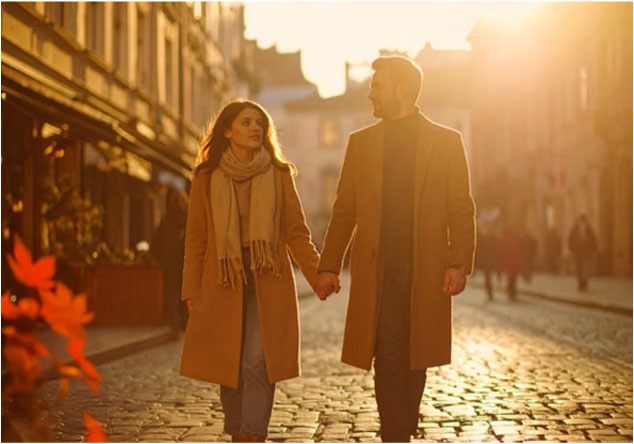
This project was developed as part of the KIBILD program. The goal: build a reusable, tool-specific prompt system for generating a coherent series of AI images — a 10-shot autumn photo session storyboard set in a historic German old town.
The workflow covers the full pipeline: creative brief → shot list → prompt engineering → quality checks → delivery package.
Creative Brief
Theme & Setting — Autumn walk through a cozy German Altstadt with half-timbered houses, cobblestone streets, and café windows.
Mood — Warm, natural, genuine connection. The couple enjoys the walk without posed gestures or dramatic staging.
Palette & Styling — Neutral autumn tones: camel, oat, denim, leather, wool, suede textures.
Design principles:
- The street as a leading line; shallow depth of field for subject separation; soft background geometry
- Continuous color grading: soft contrasts, warm neutrals, natural skin tones across all images
- One couple throughout — clothing stays consistent, connection shown through subtle signals (synchronised steps, brief glances, light shoulder touch)
Shot List
| # | Name | Description |
|---|---|---|
| 1 | Cobbles & Timber | Wide establishing shot; couple mid-walk, relaxed posture, soft gaze. 3:2 or 16:9 format, ~35 mm, eye level. |
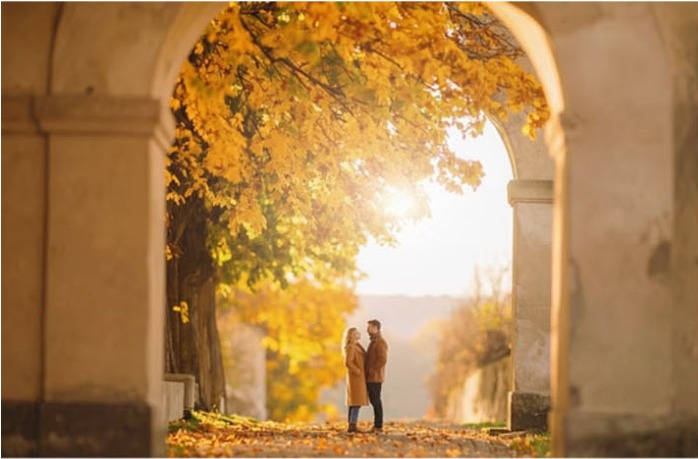
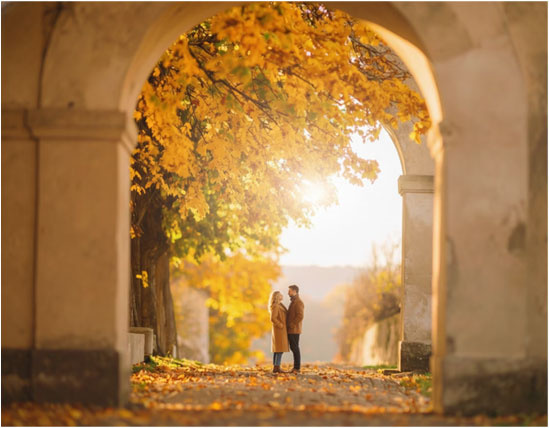
| 2 | Archway Hug | Couple framed by a stone/brick arch; intimacy without kitsch. ~85 mm, centred or rule of thirds. |
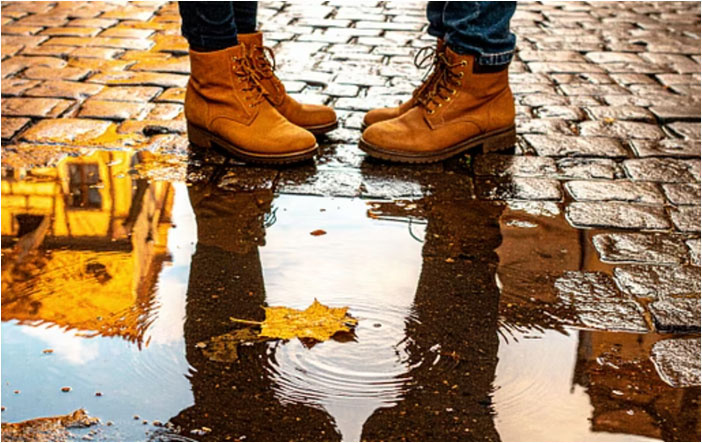
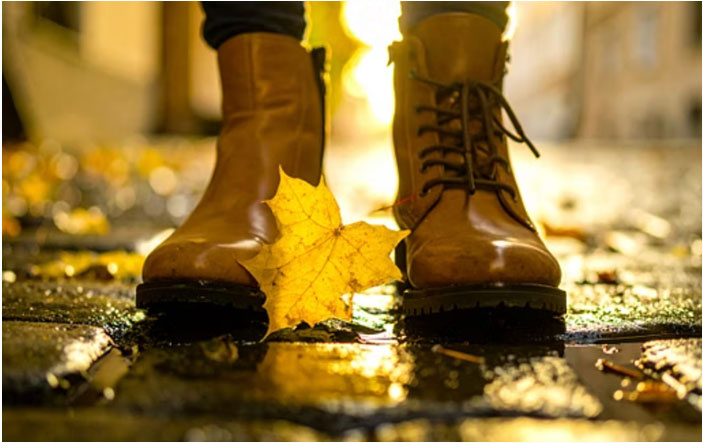
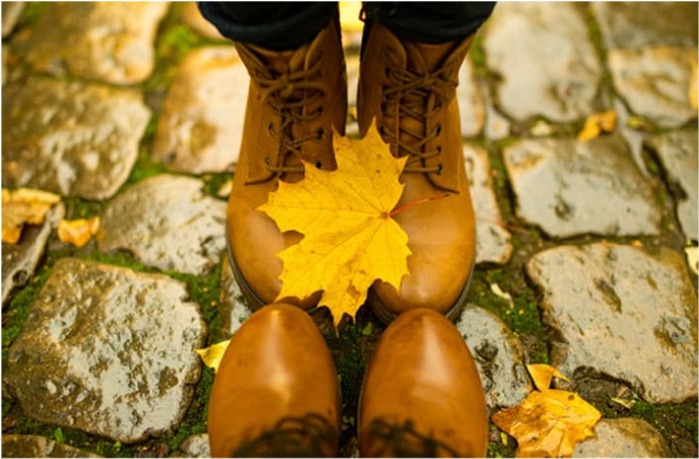
| 3 | Boots & Puddles | Low-angle close-up of boots stepping into a shallow puddle; façade and leaf reflections. Playful, cinematic finish. |
| 4 | Converging Lines | Mid-wide walkway shot; hands almost touching; linear depth. |
| 5 | Shoulder Look | Medium close-up; shared soft smile; bokeh background. |
| 6 | Café Window Pass | Couple reflected in glass; structural transparency layering. |
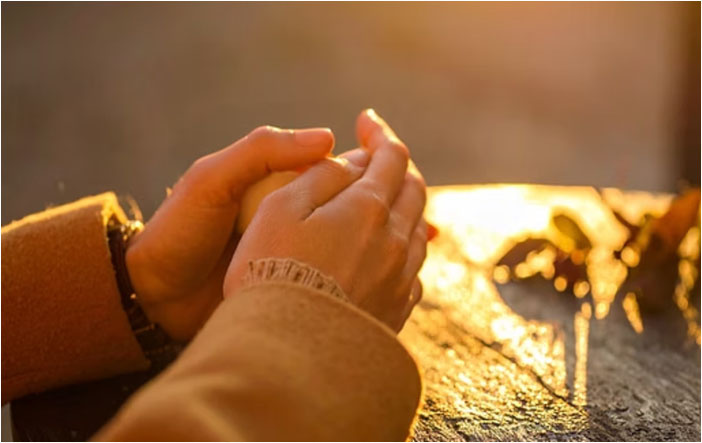
| 7 | Hands & Textures | Knit scarf, leather strap, wool coats — tactile close-ups. |
| 8 | Portrait Pair | Side by side; shallow focus; autumn bokeh leaves. |
| 9 | Negative Space Moment | One figure soft in foreground, partner sharp in mid-ground. |
| 10 | Backlit Rim Light | Hair/shoulder glow; warm falling leaves. |
Visual & Technical Guidelines
Lens & Depth
- Full-frame aesthetic: ~35 mm (wide), ~50 mm (standard), ~85 mm (portrait)
- f/2–2.8 for subject/background separation; f/4 optional for more readable environment
Motion & Light
- 1/320 s base shutter; adjust for splash shots
- Soft daylight as key (overcast sky or low sun)
- Gentle contrast; no blown-out shadows; warm neutrals in highlights
Texture priority: Wool / knit / suede / leather; wet cobblestones after rain; window reflections for layering.
AI Tool Integration
Adobe Firefly — Compact prompts; lead with subject, lighting, lens, mood. Always include a camera perspective tag (e.g. "eye level", "wide shot", "close-up", "over-the-shoulder"). Avoid overly long technical descriptions.
Example: "Autumn old-town street, couple mid-walk, casual glance; warm neutral palette; soft daylight, gentle contrast; full-frame look, ~35 mm, shallow depth of field; wide shot, converging lines, cobblestones and half-timbered houses; natural skin tones."
Nano Banana (JSON) — Modular fields: content, camera, light, composition, quality, negatives. Specify numeric values explicitly (aperture, focal length, shutter). Minimise style adjectives.
DALL-E — Best for narrative scene prompts with context and character description.
Character Continuity
Full-body frontal reference images per character were generated first and used as anchors across all shots. Locked parameters: age/build, hair length/colour/style, clothing palette (camel/oat/denim/leather), shoe style, coat cut, scarf/knit texture, accessories (watch/leather bracelet), and overall fit.
This prevents visual drift across the series and stabilises the colour and silhouette read.
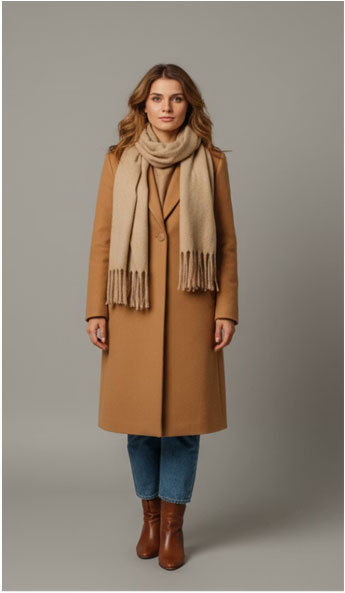
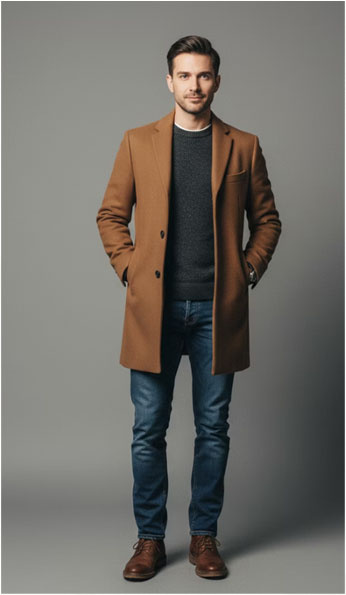
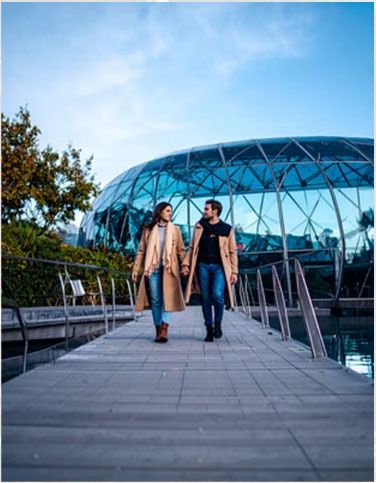
Exposition — Realistic Output
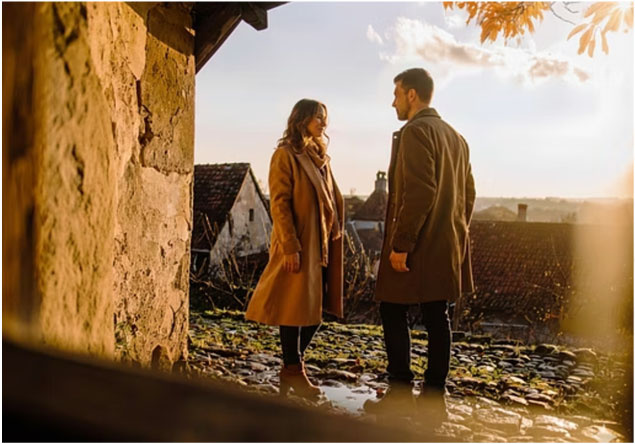
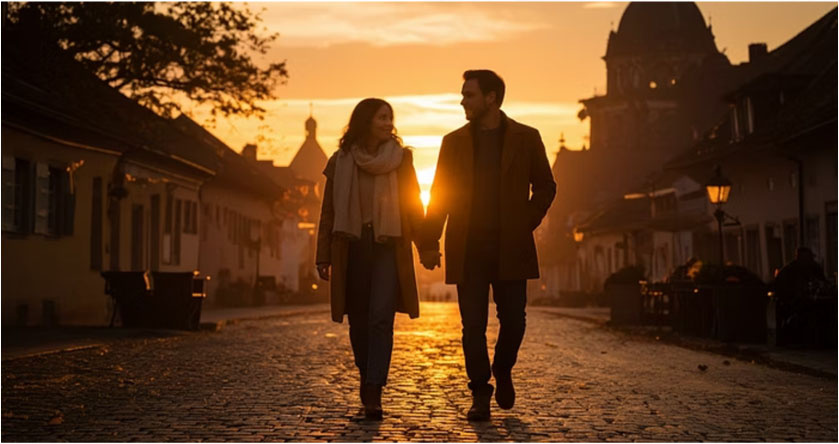
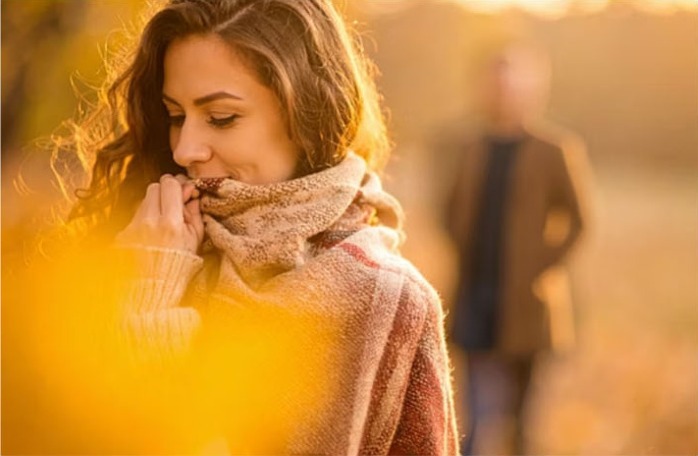
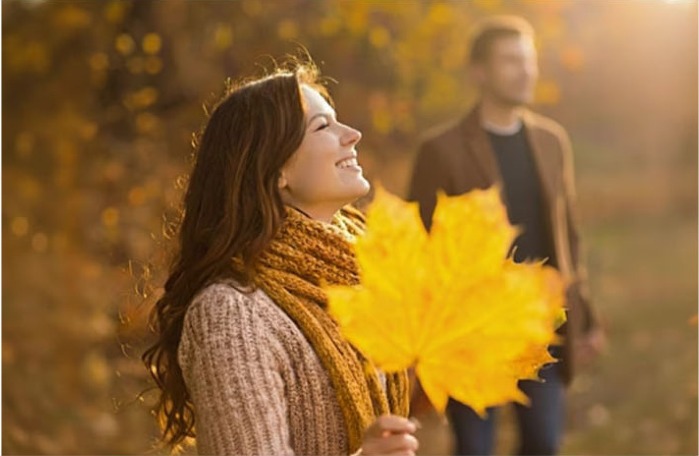
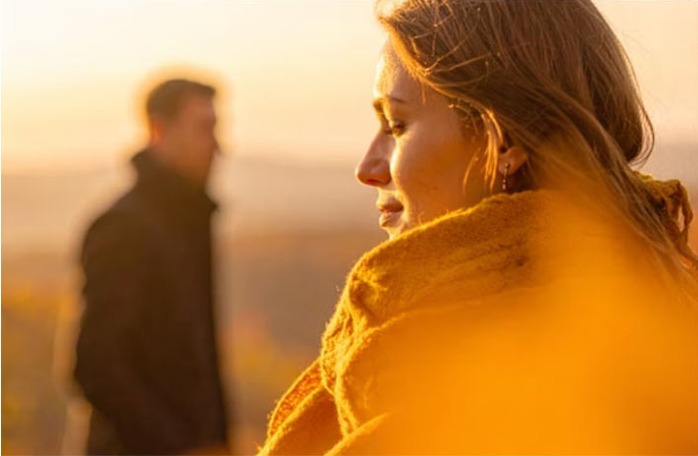
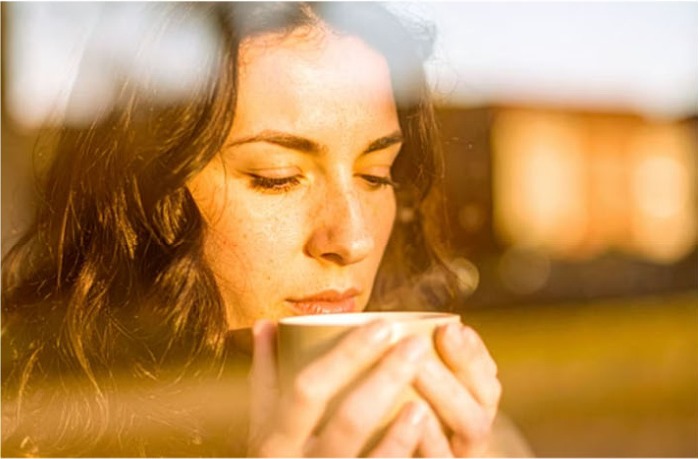
The first round of generation used Adobe Firefly targeting the Altstadt autumn setting. Twelve hero images from the session:
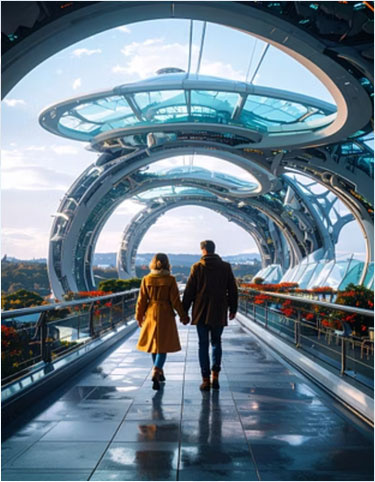
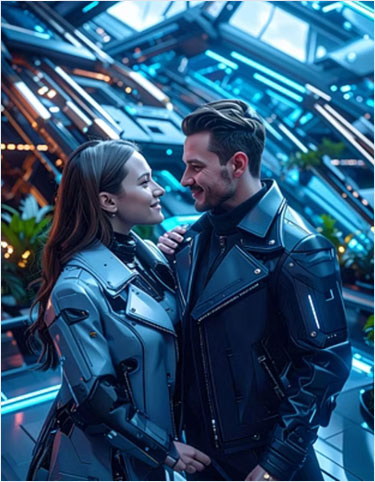
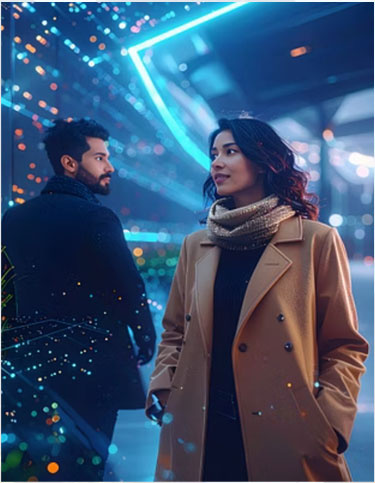
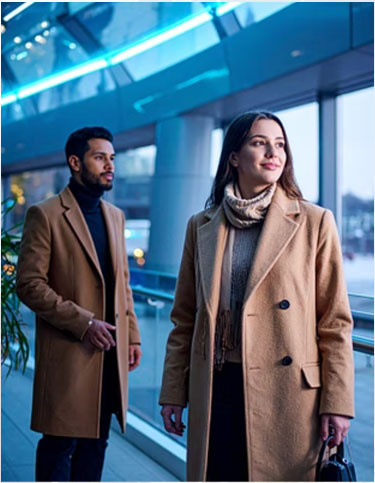
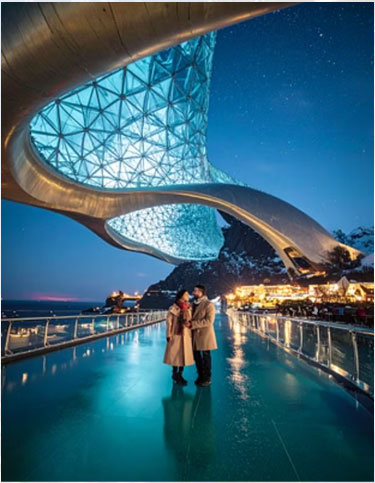
Exposition — Style Transfer (Futuristic)
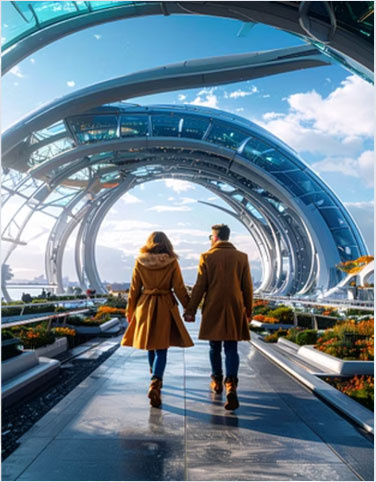
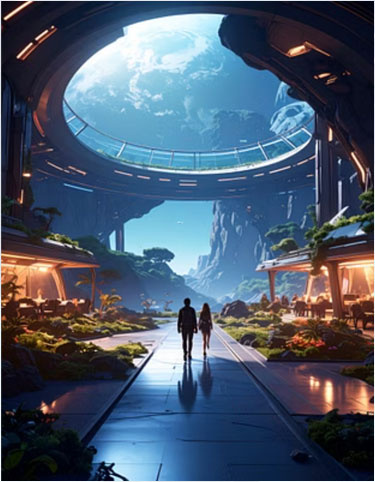
Using the same prompt system with a sci-fi / futuristic architecture setting to test prompt portability:
Quality Guidelines & Troubleshooting
Negative examples used as guardrails:
- Artificially smooth/plastic skin
- Comic-like rendering
- Oversharp halation
- Distorted hands
- Garish or oversaturated colours
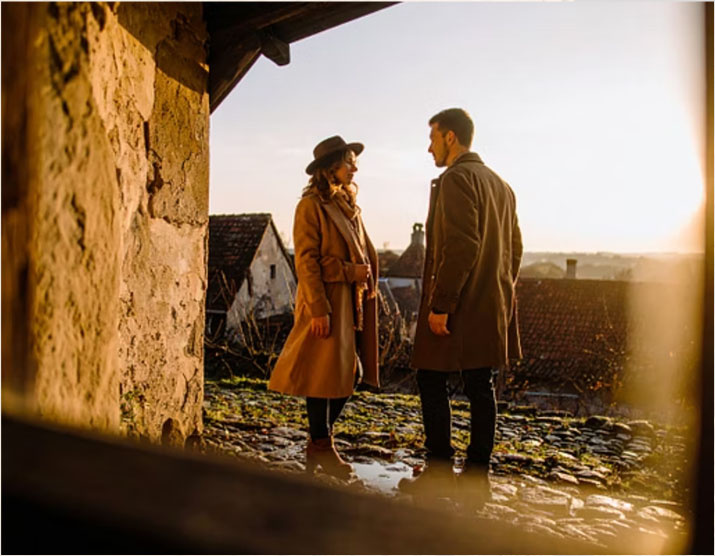
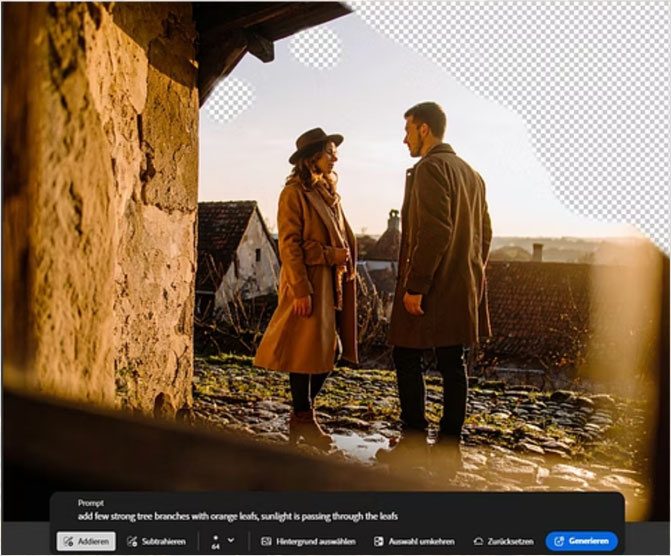
Common AI artefacts and how they were corrected using Firefly's generative fill (remove extra hat, fix blurred faces, remove phantom limbs, fill empty zones):
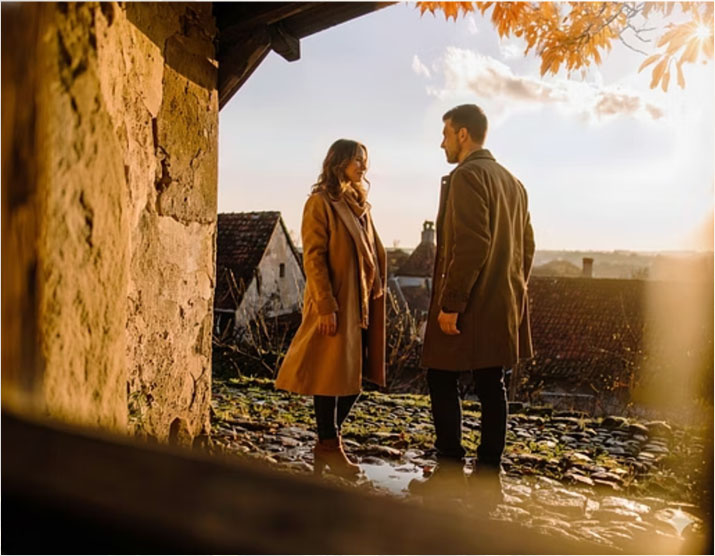
Watercolour Re-Mix
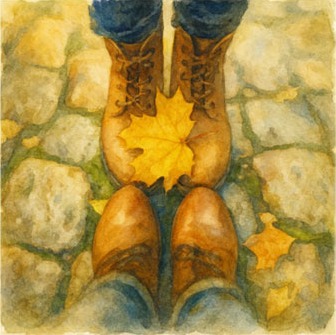
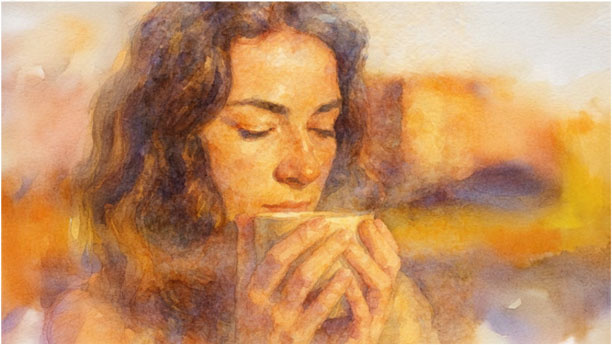
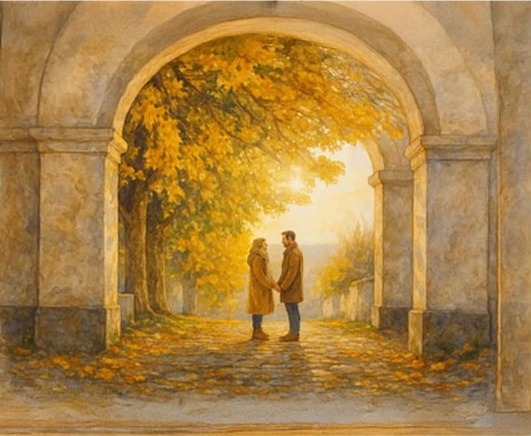
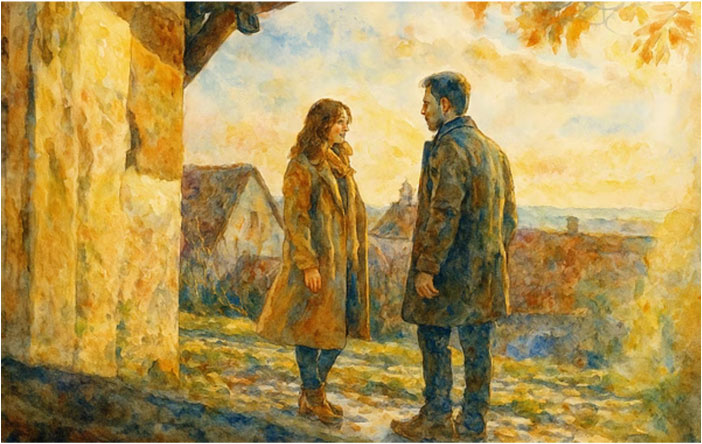
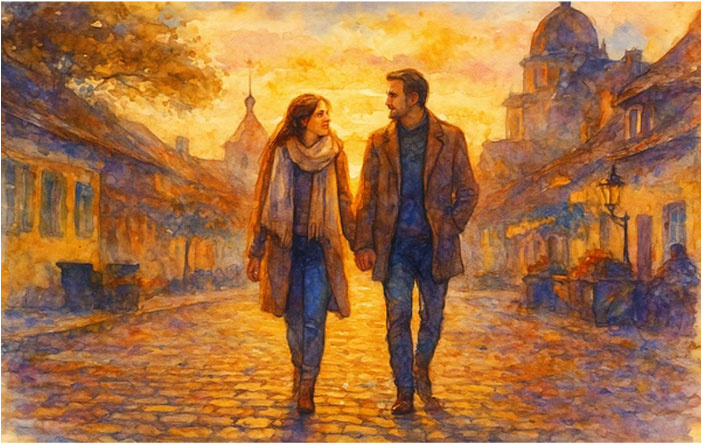
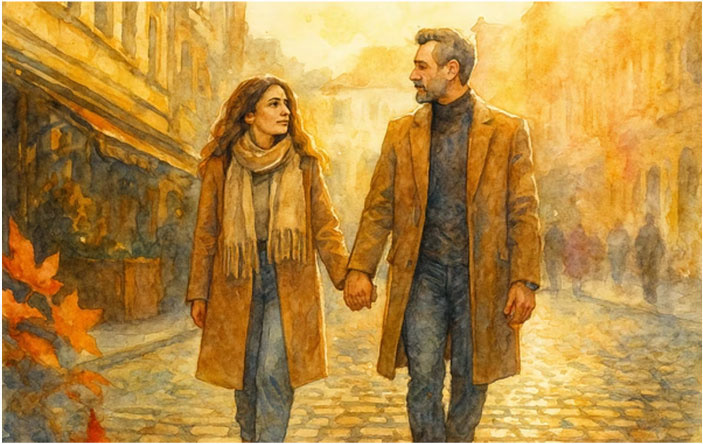
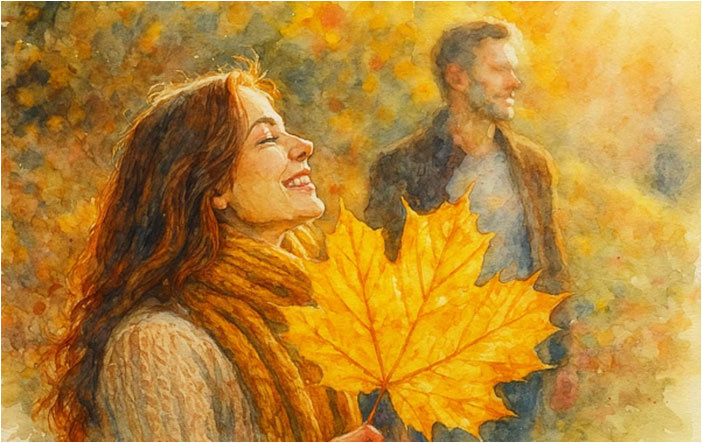
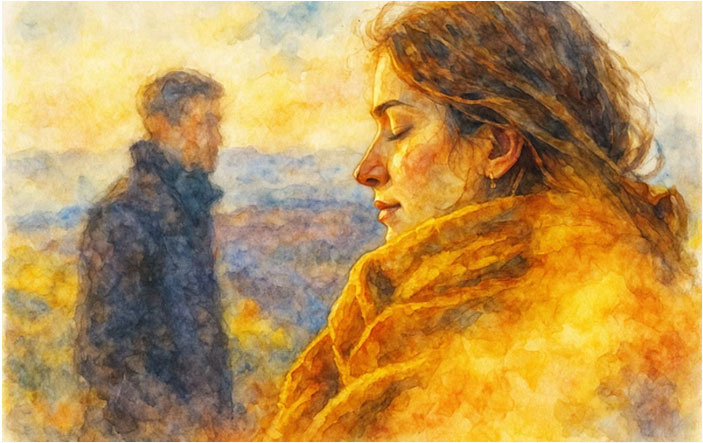
A secondary output: the realistic images were re-processed into a watercolour style using DALL-E. The master prompt was derived by comparing a realistic reference and a watercolour-styled remix. Composition and colour palette are preserved.
Original photo
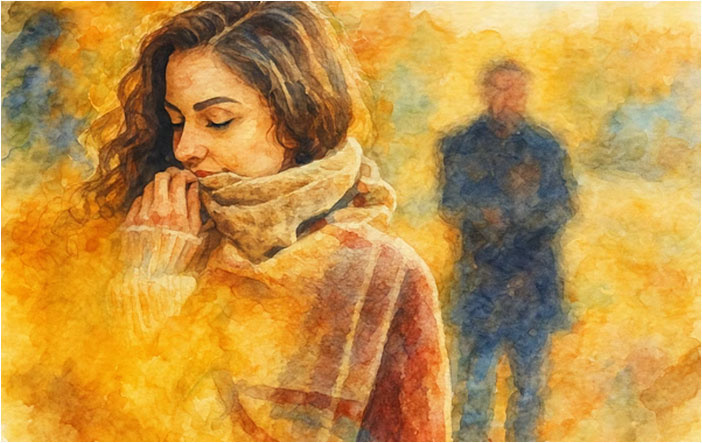
Watercolour remix
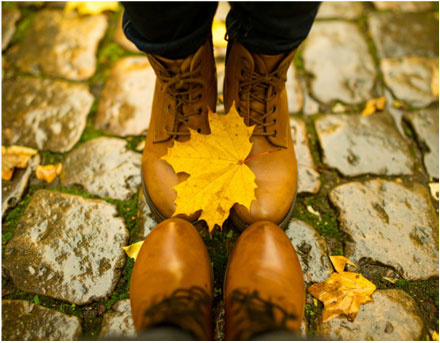
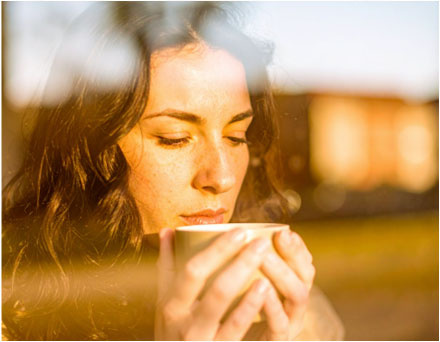
Re-mixing pipeline — three input/output pairs:
Exposition — Watercolour Series
Deliverables
- 10-image storyboard set with captions and per-shot technical notes
- Two full-body character reference images (front view)
- Ready-to-use prompt package: Firefly prompts (with perspective tag), Nano Banana JSON blocks for 2–3 hero shots, DALL-E narrative prompts
- Watercolour master prompt
Outcome
A repeatable end-to-end workflow: Analysis → Prompts → Iteration → Quality check → Package.
Key takeaways:
- Start with a compact style capsule: camera feel, lighting, palette, textures, negatives
- Use numbers instead of adjectives (focal length, aperture, shutter speed)
- Assign prompts to the right tool — each has different strengths
- Lock character references early; visual consistency across a series depends on it